
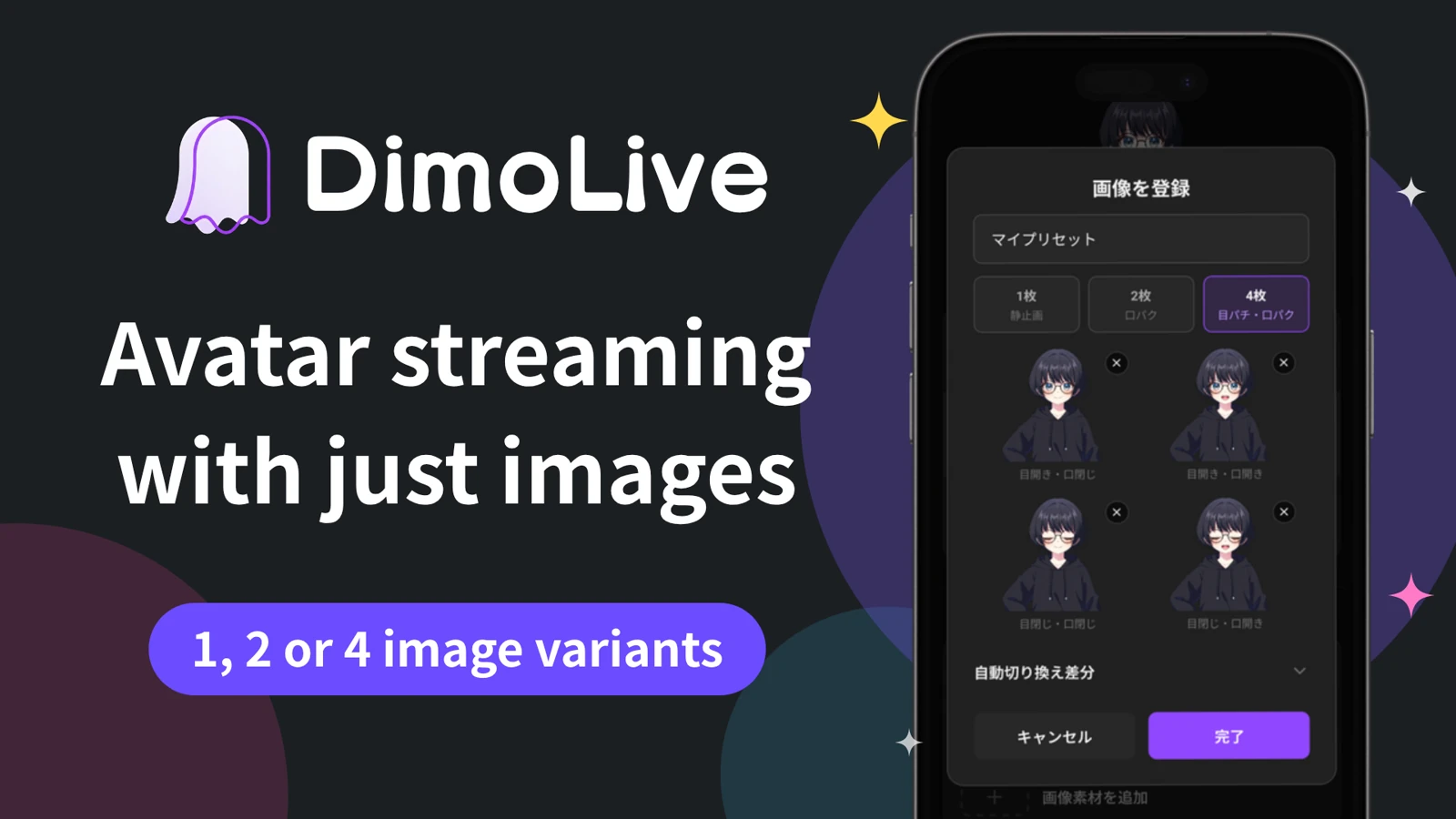
Register an avatar and go live
Just upload an image to stream as an avatar with mic-linked lip-sync and expressive motion.
Concept
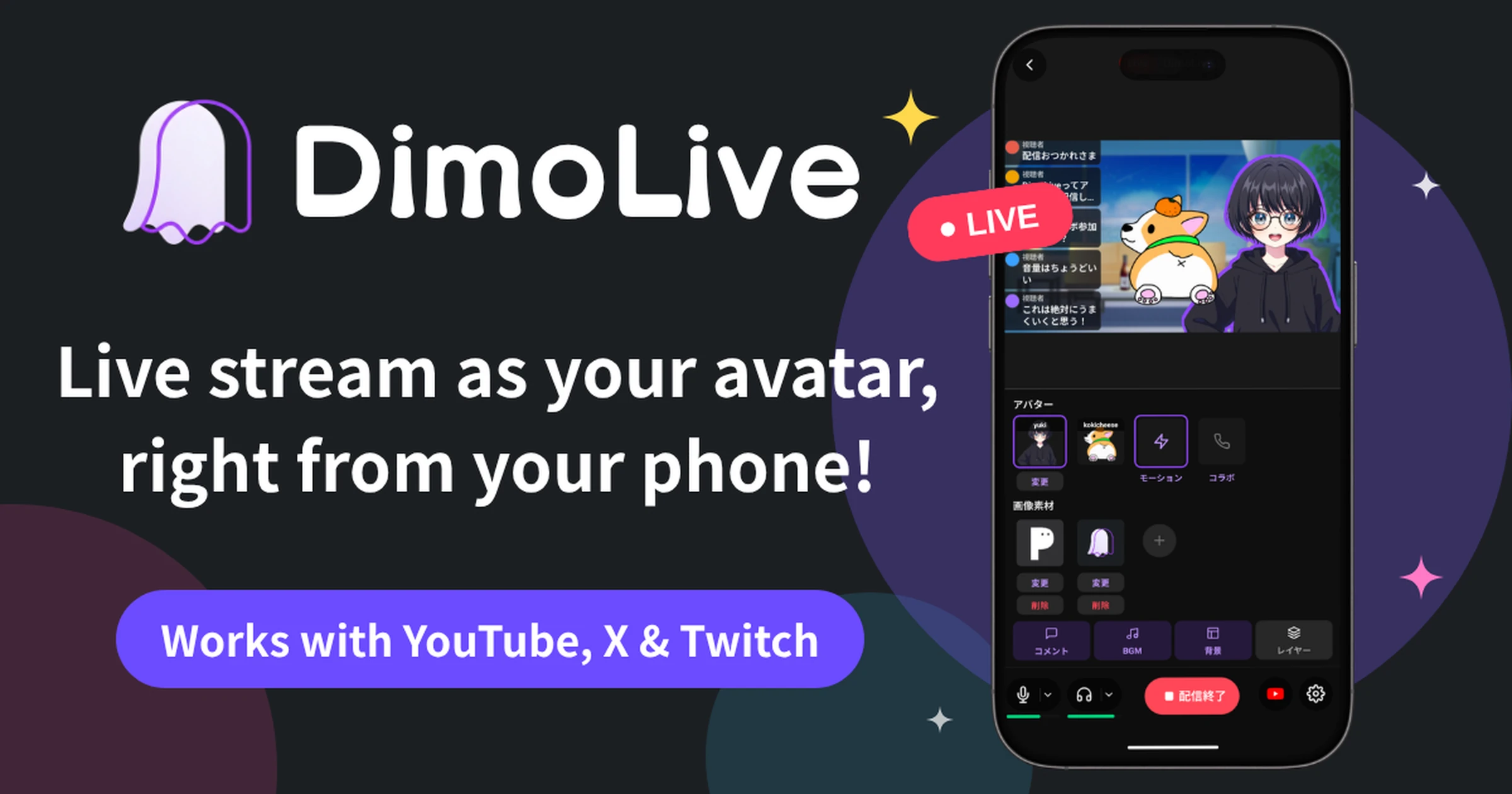
With DimoLive, anyone can start avatar streaming just by uploading an image.
Start streaming casually from any device you like — PC or smartphone.
Coming Soon...
Platforms
Pick a platform to see how to go live.
Turn on live streaming in YouTube Studio. The first time you enable it, it can take a day before you can go live.
Connect your YouTube account in DimoLive
Set the title and privacy, then start streaming with your avatar
Features
Everything you need to stream, in one app.
Just upload an image to stream as an avatar with mic-linked lip-sync and expressive motion.
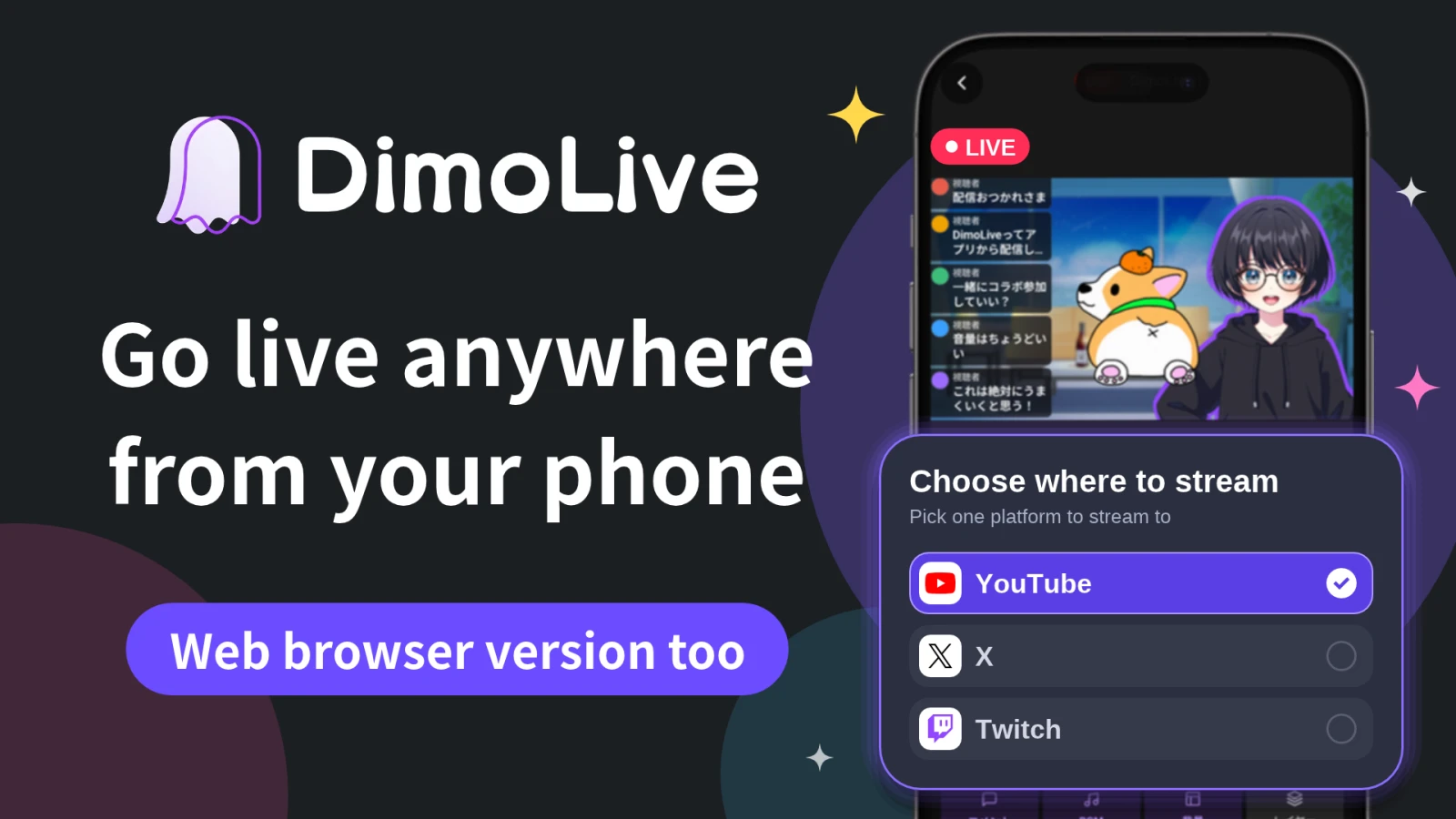
Start a full avatar live stream anytime, anywhere, with just your smartphone.
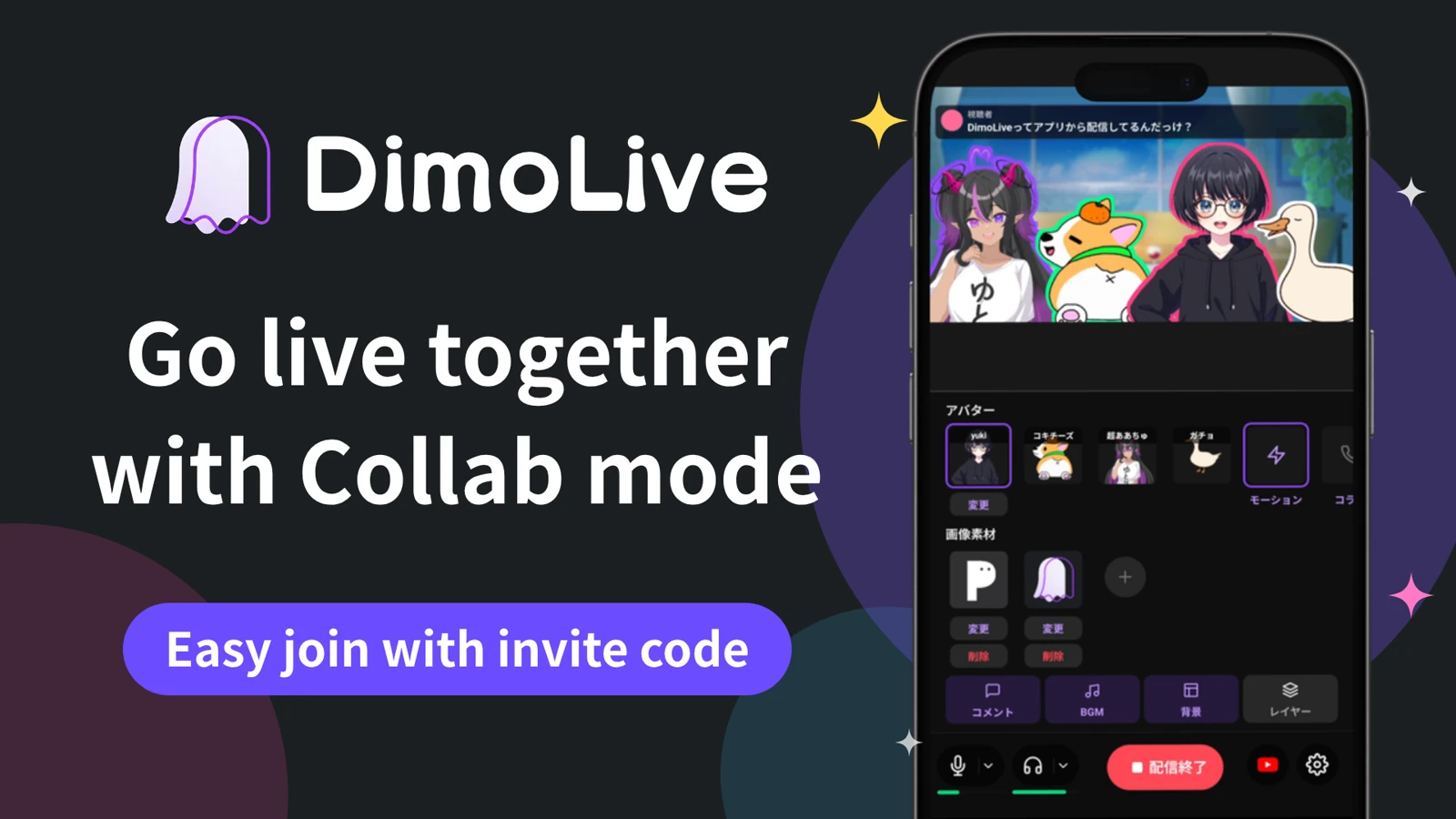
Share a link to invite guests. Collab so several people can stream with avatars together.
Install
* The mobile app is planned for release this year
We're looking for beta testers.
If you are interested, please join the X group.
Web
Stream from the web
Planned for release this year
News
Latest updates from DimoLive.
Loading…